
How to Manage Multiple WooCommerce Stores Like a Pro
Learn the best strategies, tools, and workflows for managing multiple WooCommerce stores efficiently without losing your sanity.
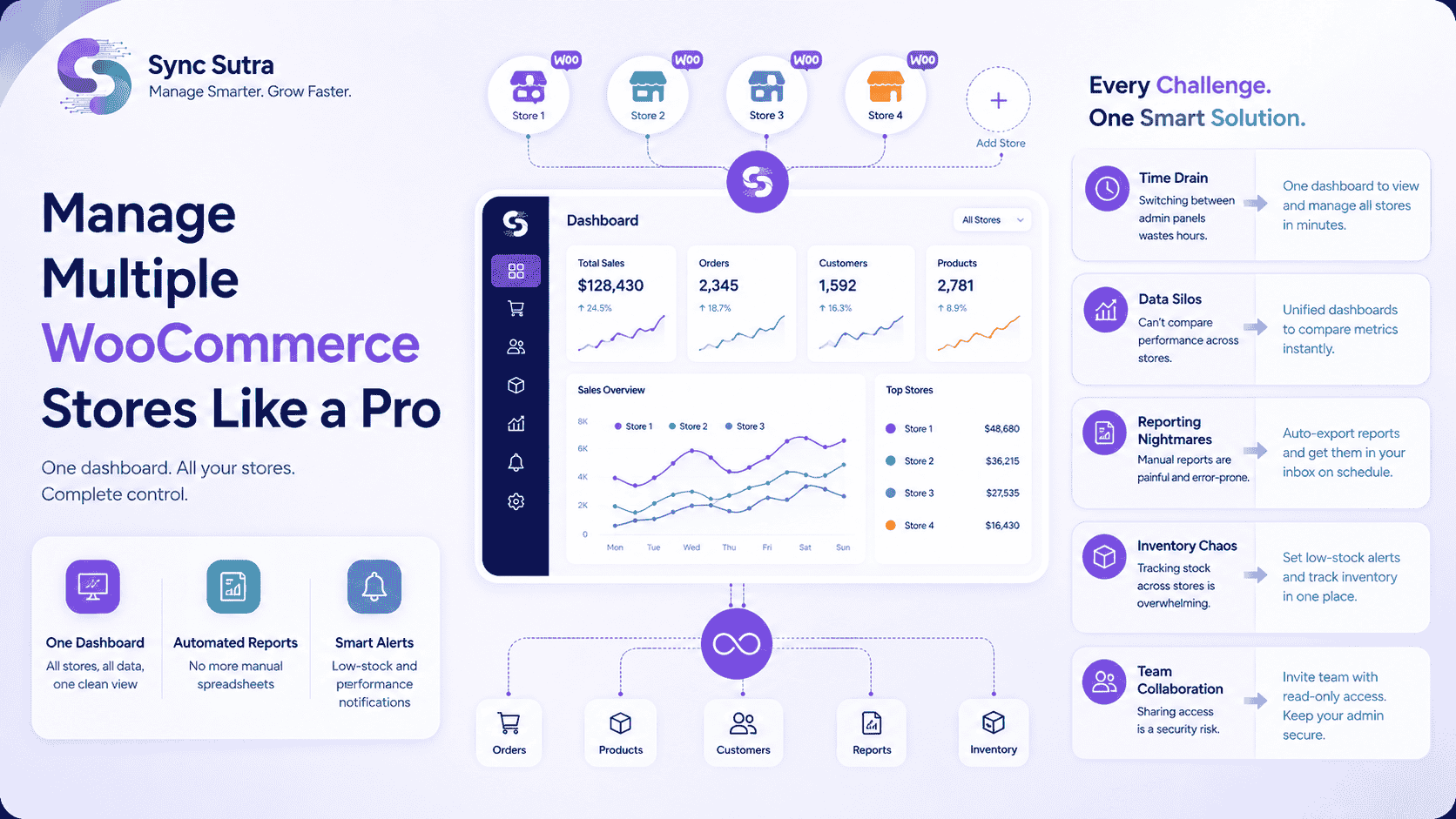
Managing multiple WooCommerce stores is exciting—until it becomes overwhelming. Switching between admin tabs, chasing reports, and tracking inventory, you're burning hours that could be spent growing your business.
Whether you're a freelancer managing client stores, a brand with multiple storefronts, or an agency scaling operations, here's how Sync Sutra helps you do it like a pro.
The Reality of Multi-Store Management
Before we dive into solutions, let's acknowledge the challenges:
Time Drain
Switching between admin panels consumes hours of productive time each week.
Data Silos
You can't compare performance across stores without a unified view.
Reporting Nightmares
Manual reports for each store are painful, time-consuming, and error-prone.
Inventory Chaos
Tracking stock across multiple stores becomes overwhelming quickly.
Team Collaboration
Sharing access becomes a security headache with multiple admin panels.
How Sync Sutra Solves Every Multi-Store Challenge
Time Drain
Switching between multiple WooCommerce admin panels wastes hours every week.
✅ Sync Sutra Solution:
- • Connect all stores to one dashboard in minutes
- • View every order, product, and customer in one place
- • Switch between stores with a single click
- • Save hours previously wasted on admin hopping
Data Silos
You can't compare performance across stores without a unified view.
✅ Sync Sutra Solution:
- • Unified dashboards let you view and manage all stores in one place
- • Compare revenue, orders, and metrics instantly
- • Spot trends across your entire business
- • Make data-driven decisions with confidence
Reporting Nightmares
Manual reports for each store are painful, time-consuming, and error-prone.
✅ Sync Sutra Solution:
- • Auto-export reports.
- • Schedule daily, weekly, or monthly deliveries
- • Get reports straight to your inbox
- • Save 6+ hours every week on reporting
Inventory Chaos
Tracking stock across multiple stores becomes overwhelming quickly.
✅ Sync Sutra Solution:
- • Set per-product low-stock thresholds
- • Get email alerts before you run out
- • Track inventory across all stores in one place
- • Never miss a sale due to stockouts
Team Collaboration
Sharing access becomes a security headache with multiple admin panels.
✅ Sync Sutra Solution:
- • Invite team members with read-only access
- • Share store data without giving admin credentials
- • Keep WooCommerce admin access secure
🚀 What You Get with Sync Sutra
One Dashboard
All stores, all data, one clean view
Automated Reports
No more manual spreadsheets
Smart Alerts
Low-stock and performance notifications
Ready to Simplify Your WooCommerce Analytics?
Connect your stores in minutes and get instant insights.
Start Your Free Trial